OBS AI Assistant: Safe Scene, Source, and Overlay Automation
- Published on
- Domain
- Creator tooling
- Focus
- Safe OBS automation
OBS AI Assistant: Safe Scene, Source, and Overlay Automation
An OBS AI assistant sounds powerful, which is exactly why it can become dangerous if the design is sloppy.
Reading OBS state is useful. Blindly changing scenes and sources is where things get risky.
The Low-Risk Side
An AI helper can safely do a lot by observing:
- current scene
- source visibility
- stream status
- overlay helper state
- recent actions and cooldown history
That context is enough for the assistant to understand the production moment before it touches anything.
The Higher-Risk Side
Once the system starts switching scenes or hiding sources, it can affect the entire viewer experience.
That means a good OBS assistant should treat those actions as stronger operations with stricter rules:
- validate that the target scene or source exists
- check whether the action is currently allowed
- enforce cooldowns
- require confirmation where appropriate
Why Overlay Automation Is a Good Middle Ground
Overlay cues and BRB helpers often land in the sweet spot between useful and safe.
They let the assistant react to stream context without taking over the whole layout, which makes them easier to validate and easier for creators to trust.
Where AuTuber Fits
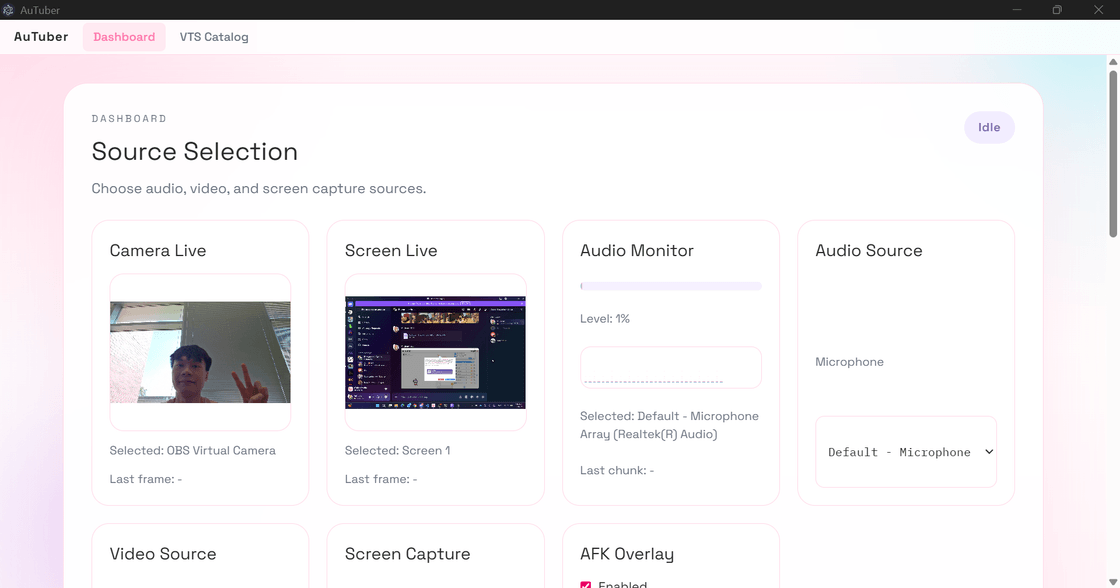
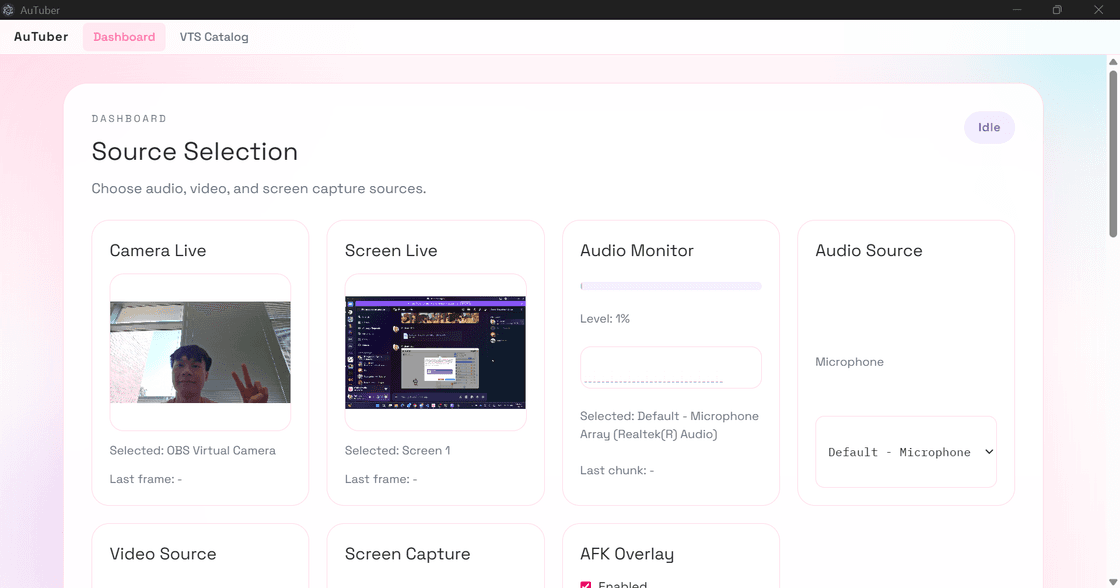
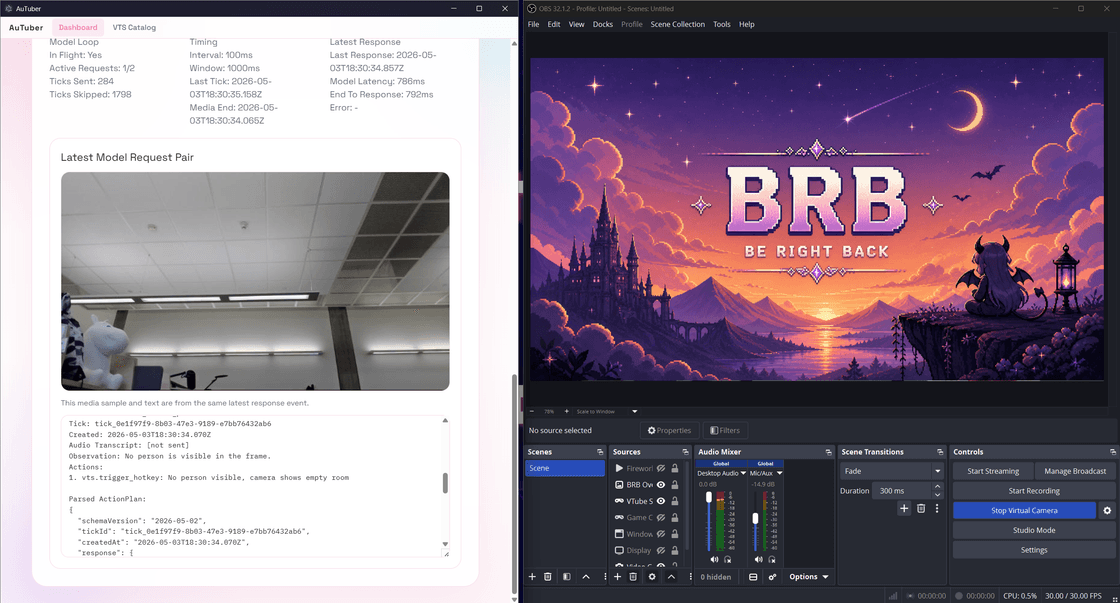
AuTuber reads OBS scene and source state, supports overlay helpers, and treats risky production actions conservatively. That makes it a stronger fit for safe AI stream automation than tools that promise total control and leave the cleanup to the creator.
For the full project overview, see:
AuTuber: VTuber AI Assistant for Auto Emotes, OBS AFK Detection, and VTube Studio
Related reading: