OBS AFK Detection: How an AI Stream Assistant Can Show BRB Overlays

- Published on
- Domain
- Creator tooling
- Focus
- AFK and BRB overlay workflows
OBS AFK Detection: How an AI Stream Assistant Can Show BRB Overlays
One of the most practical automation problems in streaming is OBS AFK detection.
If the streamer leaves the desk, the audience should not stare at an empty room forever. A BRB overlay, AFK scene, or status message can smooth that moment out, but only if it appears at the right time and does not flip the production into chaos.
The Wrong Way To Do It
The bad version is easy to imagine:
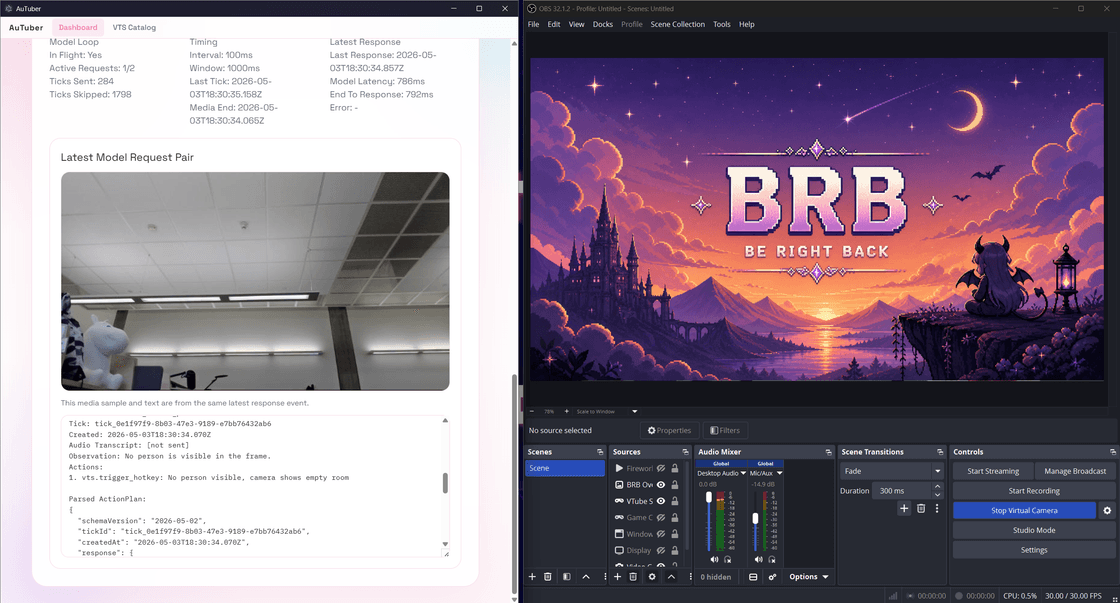
AI thinks the room looks empty
  -> scene changes immediately
  -> streamer was actually just leaning down for two seconds
That kind of false positive makes automation feel unreliable fast.
The Better Pattern
A safer workflow looks more like this:
Camera or presence signal suggests AFK
  -> OBS state gets checked
  -> overlay helper or BRB rule gets evaluated
  -> policy and confirmation rules decide what can run
This keeps the system grounded in actual stream state instead of raw guesswork.
Why Overlays Often Beat Full Scene Changes
For many creators, an automatic BRB overlay is lower-risk than a full scene switch.
An overlay can communicate "away for a second" without disrupting the whole production layout. It also gives the app a smaller and safer action surface to validate.
Where AuTuber Fits
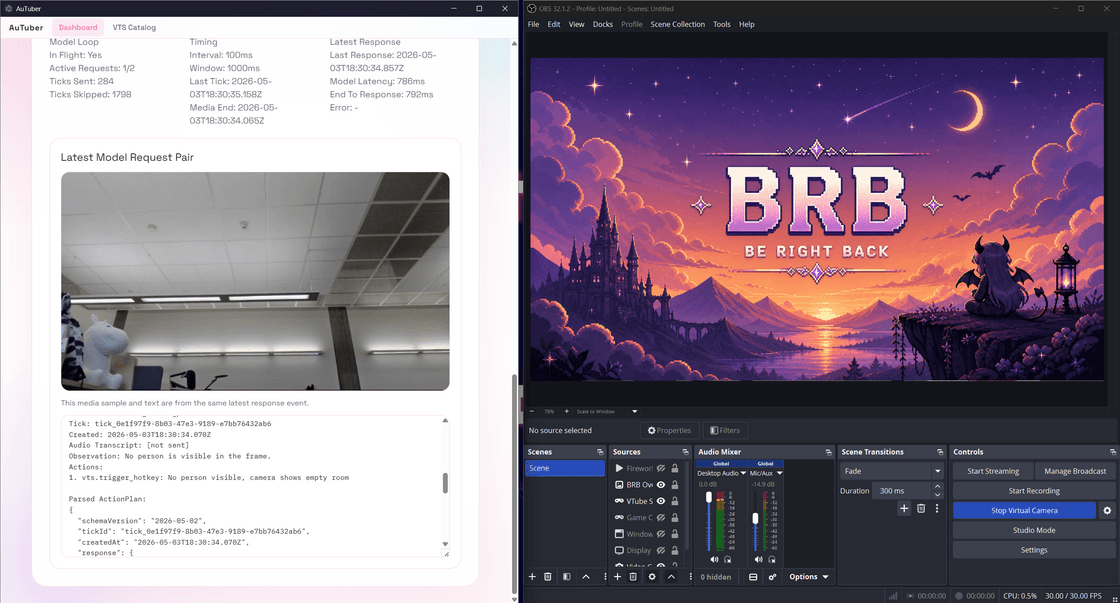
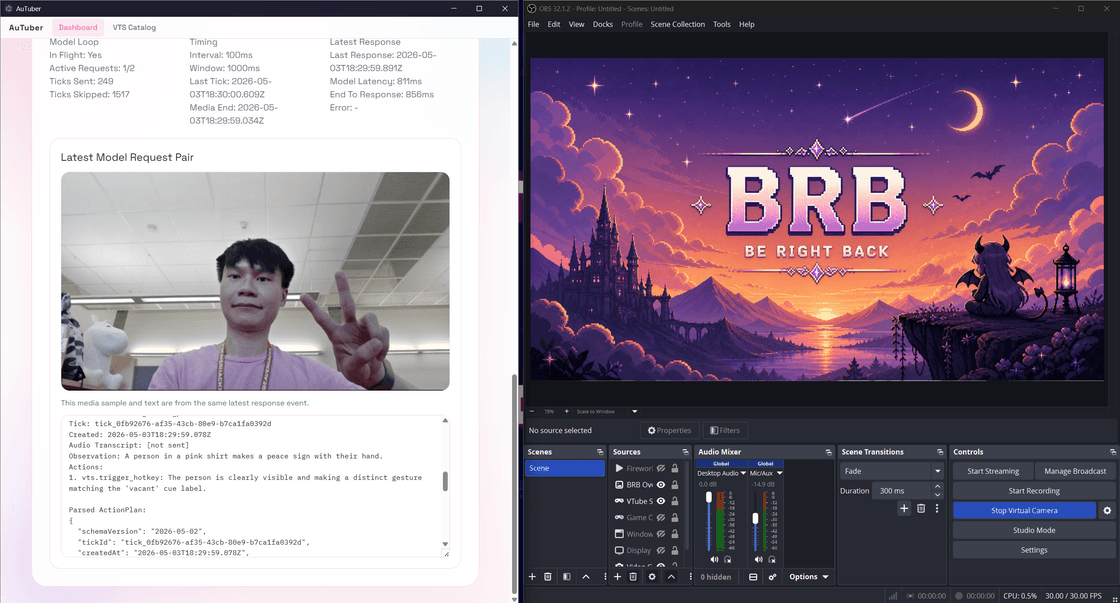
AuTuber already reads OBS state and includes an AFK overlay helper against a selected OBS scene or source. That makes it a good fit for creators who want an AI stream assistant that can support BRB workflows without giving the model unrestricted control over OBS.
The main project page covers the full system here:
AuTuber: VTuber AI Assistant for Auto Emotes, OBS AFK Detection, and VTube Studio
Related reading: