Why AI Stream Assistants Should Suggest Actions, Not Hijack Your Stream
- Published on
- Domain
- Creator tooling
- Focus
- Automation safety and control
Why AI Stream Assistants Should Suggest Actions, Not Hijack Your Stream
The easiest way to make an AI stream assistant look impressive is to give it too much power.
That is also the easiest way to break a live production.
The Core Design Rule
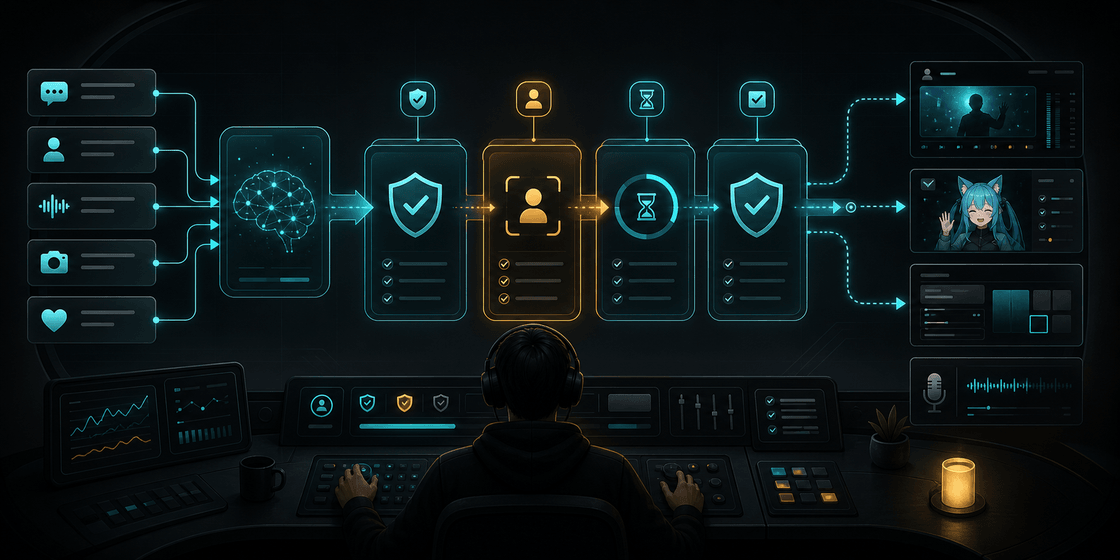
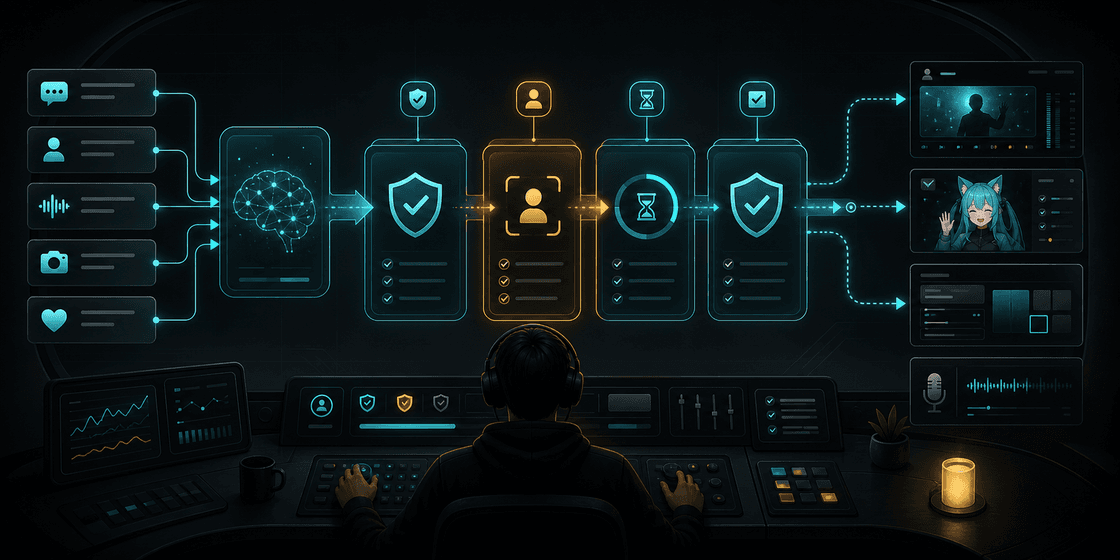
The model should suggest actions.
The local app should validate them.
The creator should stay in control of what runs automatically and what needs confirmation.
Why This Matters
Streams are full of edge cases:
- a scene name changed
- a source is missing
- the streamer stepped away for two seconds, not two minutes
- the same reaction already fired three times
- the model picked something technically valid but socially awkward
If the model has unrestricted control, those edge cases become public mistakes.
Safer Automation Looks Boring on Purpose
Good automation usually means:
- approved action catalogs
- policy rules
- cooldowns
- validation before execution
- visible logs when an action is blocked
That sounds less magical than "AI runs the stream for you," but it is much closer to what creators can actually trust.
Where AuTuber Fits
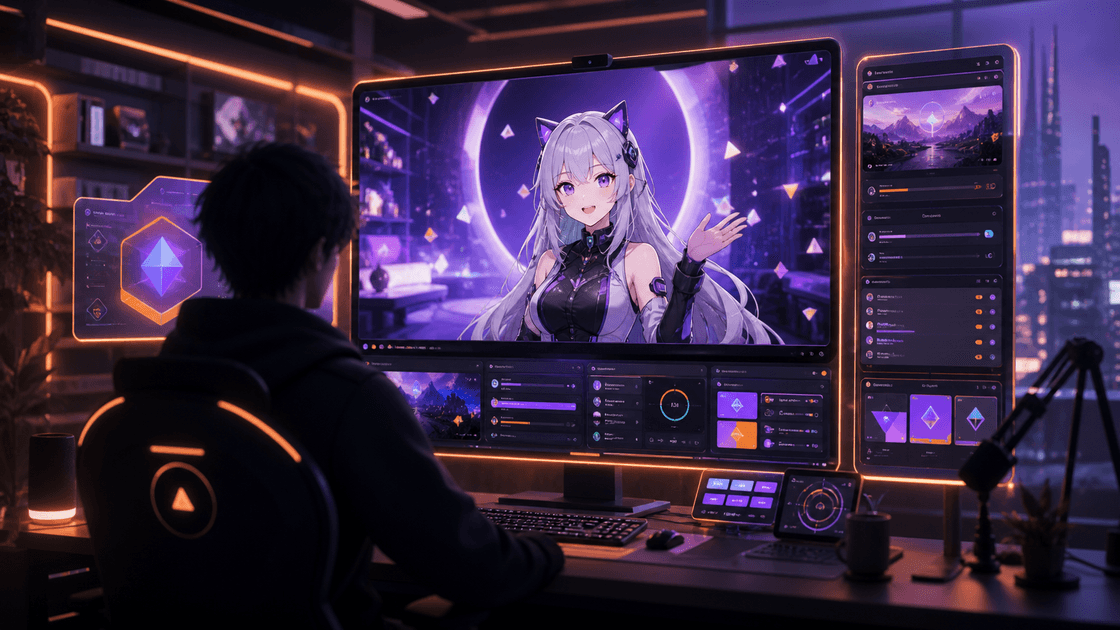
AuTuber is built around that safer pattern. It uses AI to plan stream actions, but the desktop app validates those requests locally before anything touches VTube Studio, OBS, or overlays.
That makes it a useful reference point for anyone thinking about safe AI stream automation in real creator workflows.
For the full project, start here:
AuTuber: VTuber AI Assistant for Auto Emotes, OBS AFK Detection, and VTube Studio
Related reading: