How VTuber Auto Emotes Work with AI

- Published on
- Domain
- Creator tooling
- Focus
- VTuber avatar reaction automation
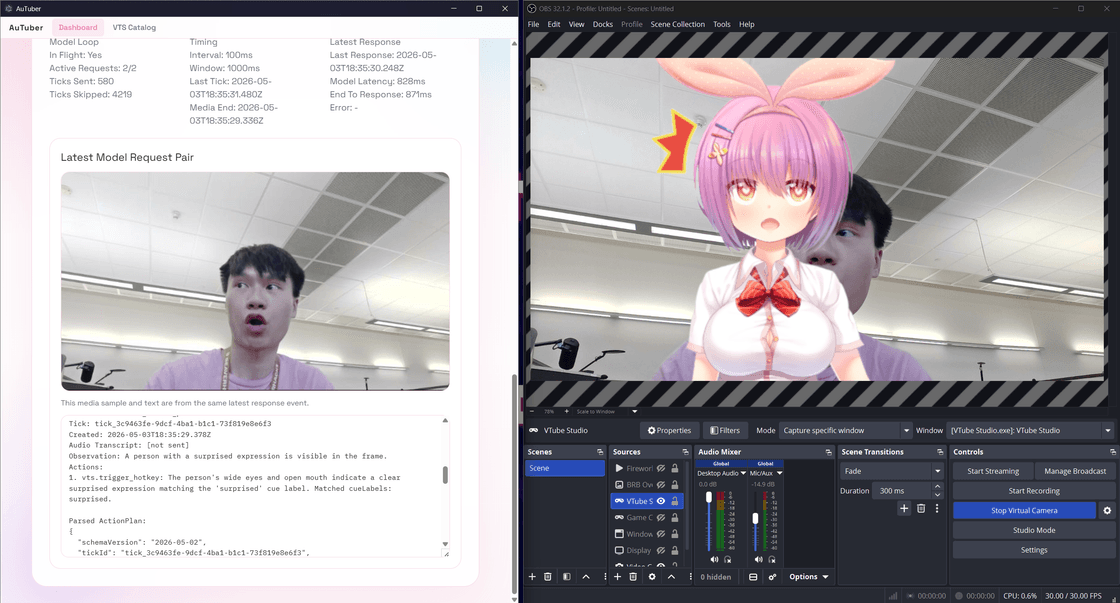
How VTuber Auto Emotes Work with AI
VTuber auto emotes sound simple until you try to make them feel good on a live stream.
The hard part is not firing a hotkey. The hard part is deciding when a reaction should happen, which reaction fits the moment, and how to avoid turning the avatar into a glitchy overacting machine.
That is why the best setup is not "AI controls everything." It is a tighter loop:
Live moment happens
  -> AI interprets the moment
  -> system selects from approved reactions
  -> cooldowns and policy checks run
  -> VTube Studio hotkey fires if allowed
The Useful Version of Auto Emotes
Good VTuber auto emotes do three things:
- react quickly enough to still feel live
- stay within a creator-approved list of expressions
- avoid repeating the same cue too often
That usually means the AI is not creating arbitrary commands. It is choosing from an existing set of VTube Studio hotkeys that already map to surprise, laughter, excitement, embarrassment, or other creator-defined reactions.
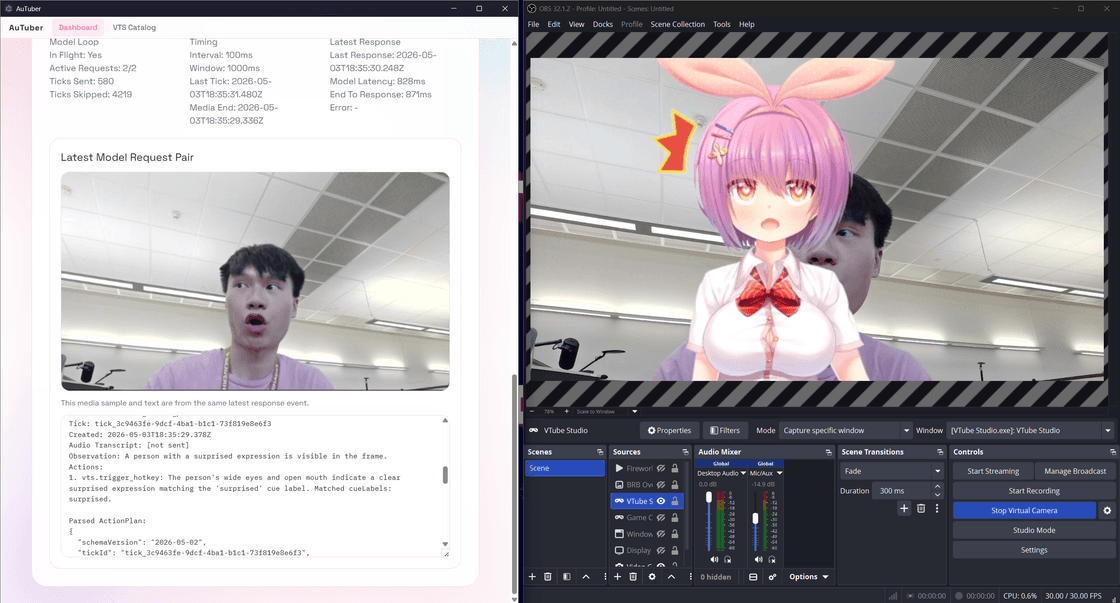
Why Approved Hotkeys Matter
Hotkeys give the system a safe boundary.
Instead of "do anything on the desktop," the AI gets a smaller question:
Which of these approved avatar reactions best fits the current moment?
That changes the problem from dangerous automation into guided selection.
Why Cooldowns Matter
Without cooldowns, the same joke can trigger the same emote five times in thirty seconds.
Without validation, a reaction can be requested when VTube Studio is disconnected or when the mapped hotkey no longer exists.
Both problems make the stream feel cheap. A better system checks availability, timing, and local policy before it runs the reaction.
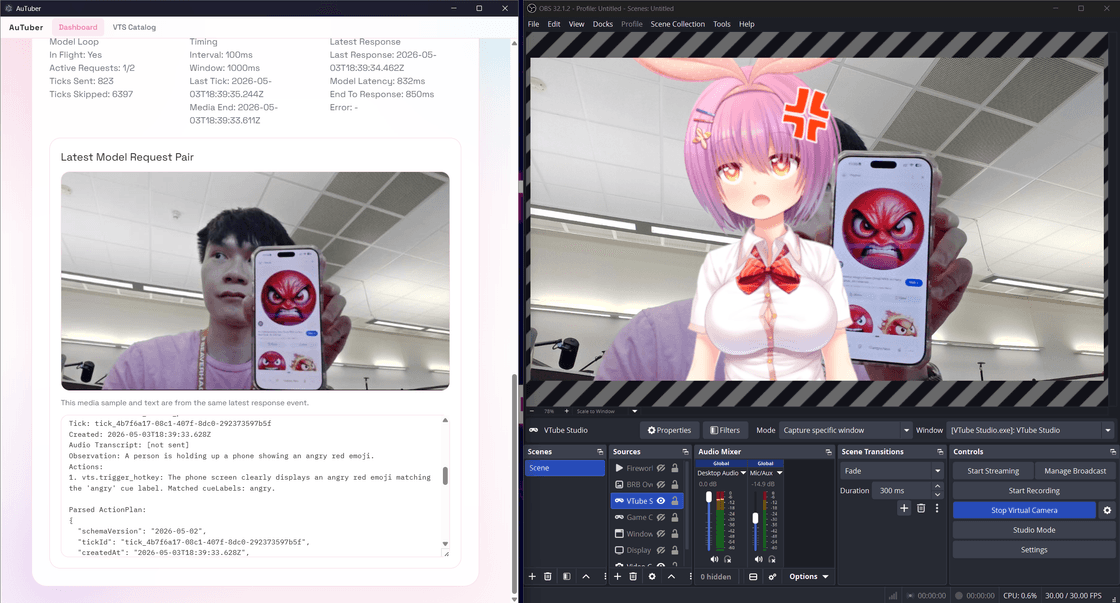
Auto Emotes and Auto Expressions Are Usually the Same Workflow
Some creators say auto emotes. Some say auto expressions.
In most VTuber setups, they mean the same core workflow: AI-assisted triggering of approved VTube Studio reactions.
That is why AuTuber treats them as the same feature area rather than pretending they are separate products.
Where AuTuber Fits
AuTuber is the pillar project behind this workflow: a local VTuber AI assistant that reads stream context, proposes a reaction, validates it, and safely triggers approved VTube Studio actions.
If you want the full project overview, start with AuTuber: VTuber AI Assistant for Auto Emotes, OBS AFK Detection, and VTube Studio.
Related reading: