VTube Studio Auto Expressions with AI Hotkey Automation

- Published on
- Domain
- Creator tooling
- Focus
- VTube Studio hotkey automation
VTube Studio Auto Expressions with AI Hotkey Automation
If you want VTube Studio auto expressions, the real question is not whether AI can press a hotkey.
It can.
The useful question is whether the system knows which hotkeys exist, which ones are approved, and when it should leave them alone.
Why Hotkey Discovery Matters
The safest version of avatar automation starts by reading the hotkeys that already exist inside VTube Studio.
That gives the app a real catalog of allowed expressions, props, and effects instead of relying on guesswork or stale config.
The Practical Control Loop
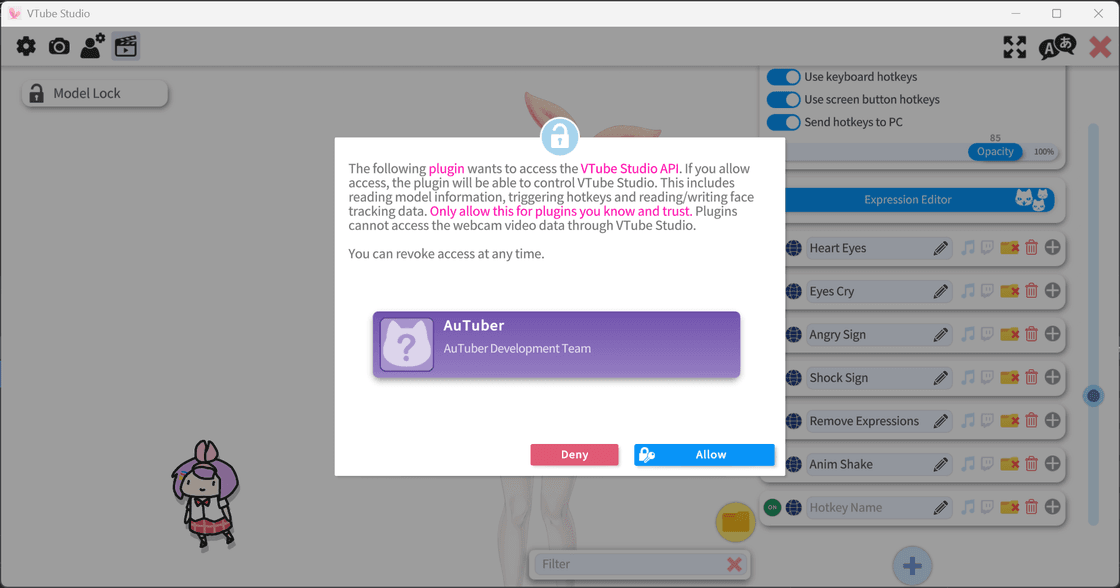
VTube Studio exposes available hotkeys
  -> AI proposes an expression from that list
  -> app validates availability and cooldowns
  -> approved hotkey runs
That is a much better model than giving AI generic desktop access.
Auto Expressions and Auto Emotes
For most creators, VTube Studio auto expressions and VTuber auto emotes are two names for the same workflow.
The language changes depending on whether the creator thinks in avatar-expression terms or streamer-reaction terms, but the implementation is usually the same: approved hotkey automation with local validation.
Why AuTuber Uses This Pattern
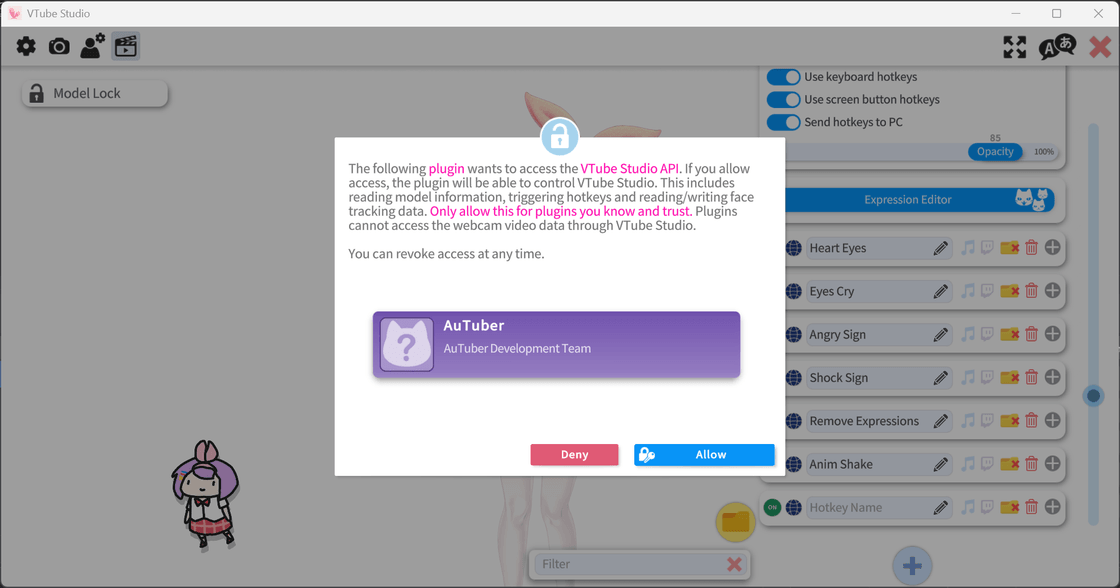
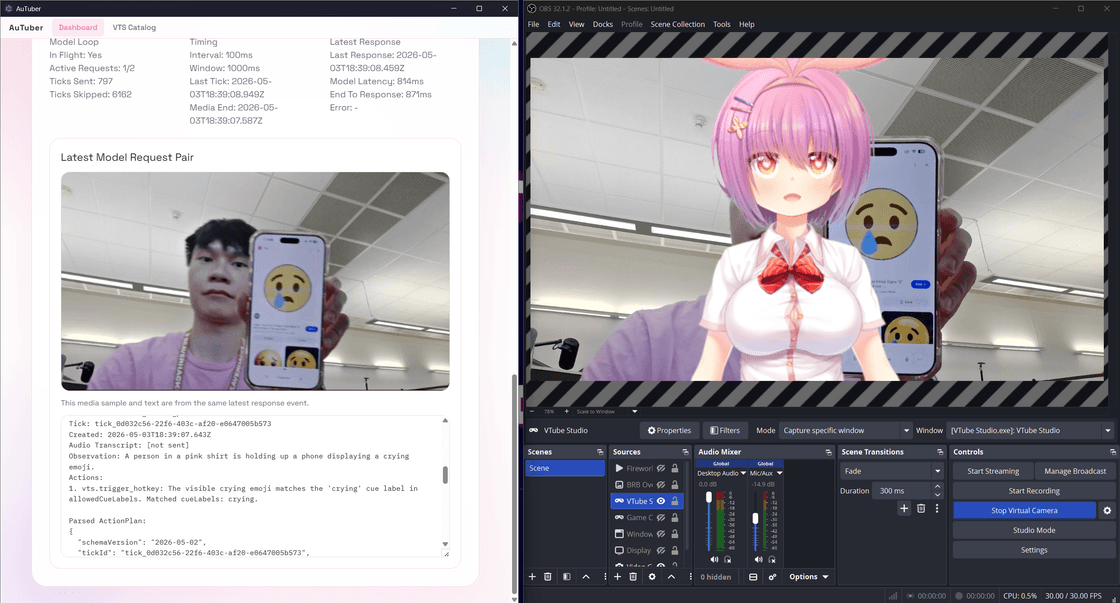
AuTuber connects to the VTube Studio API, authenticates locally, reads available hotkeys, and turns those creator-approved controls into the safe execution layer for AI-triggered reactions.
That makes it useful as both a VTube Studio AI assistant and a broader VTuber AI assistant.
Start with the main project page here:
AuTuber: VTuber AI Assistant for Auto Emotes, OBS AFK Detection, and VTube Studio
Related reading: